Base
Get organized with your own calendar and Bean.
$4.99/month
- 20 minutes of Bean voice each month
- 2 workspaces
- 1 connected calendar
- Tasks and reminders
- Recurring calendar events
- Up to 5 notes
Bean helps you manage your calendars, todo lists, reminders, and more. Tell Bean what needs to happen by voice or text, and Bean keeps everything on track.
7 day free trial - cancel anytime
 Google Calendar
 Outlook
 Apple Calendar
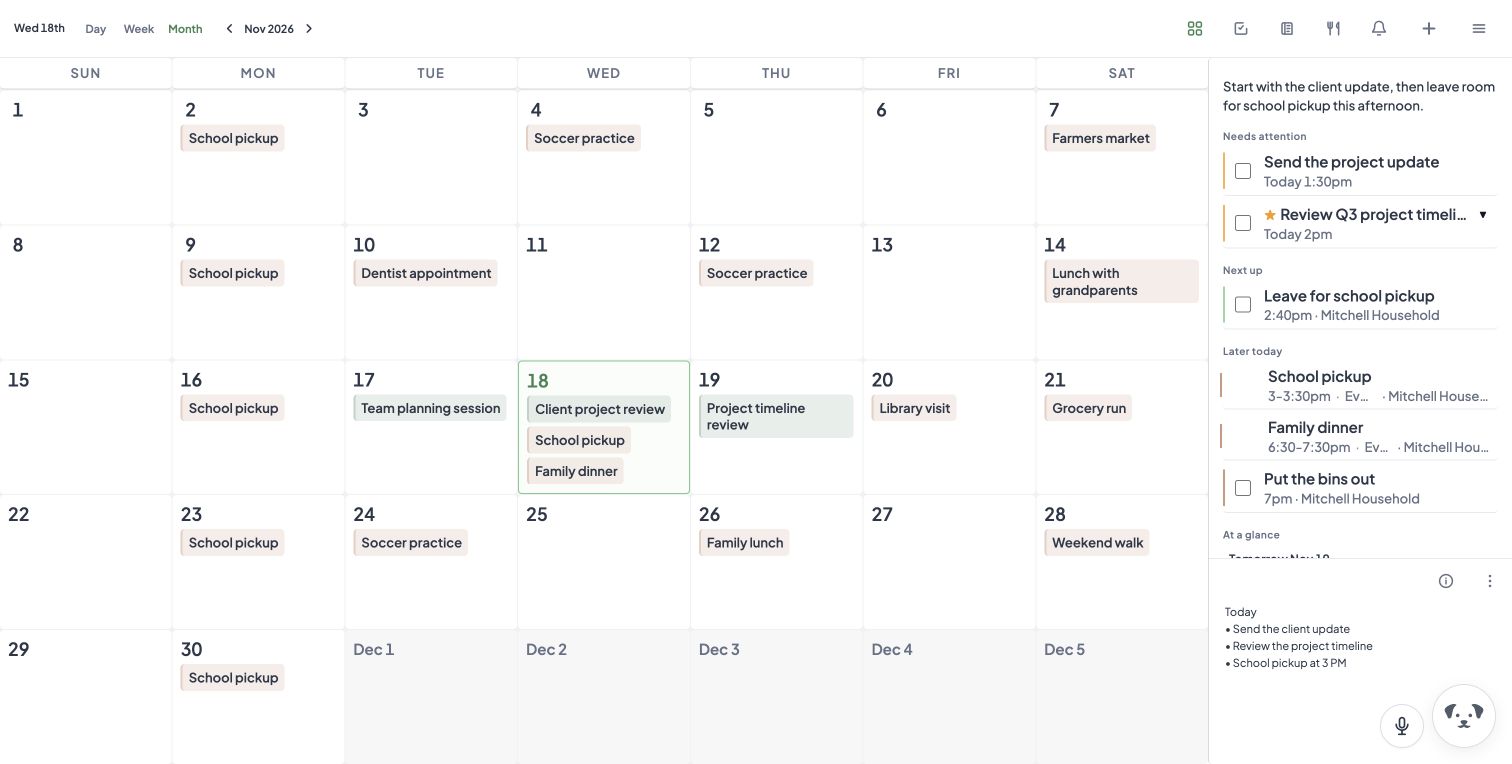
Plans change all week. Instead of texting everyone and fixing three calendars, just tell Bean. Talk or type, whichever is easier in the moment.
Each person keeps their own calendar. HeyBean brings them together so everyone knows what's happening, who's on it, and what's next.
Connect Google, Outlook and Apple calendars. Everyone's plans show up together, so you can spot overlapping plans.
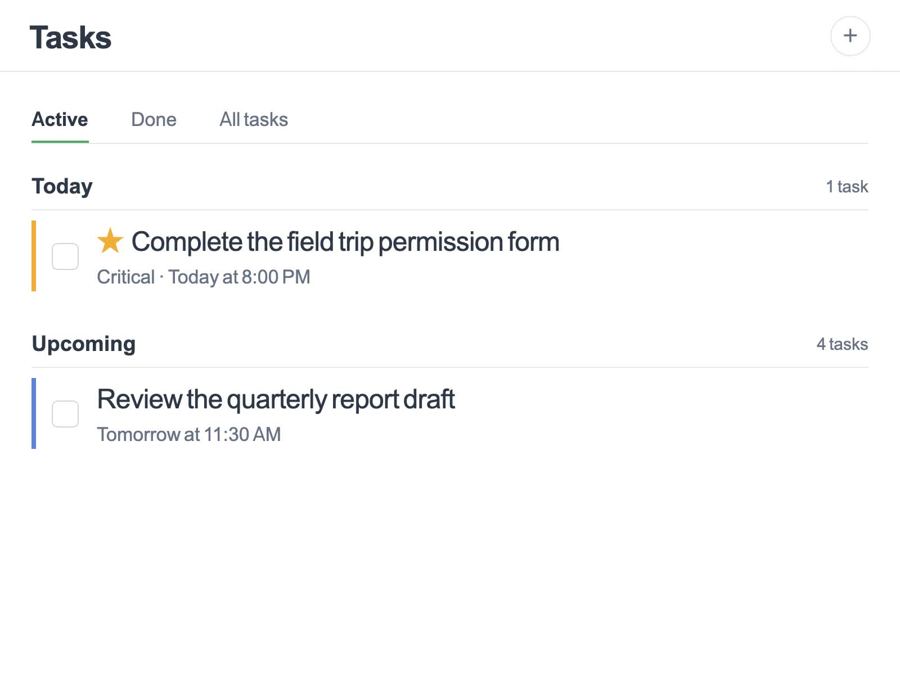
Permission slips, bills, chores. Add them in plain words and mark the important ones.
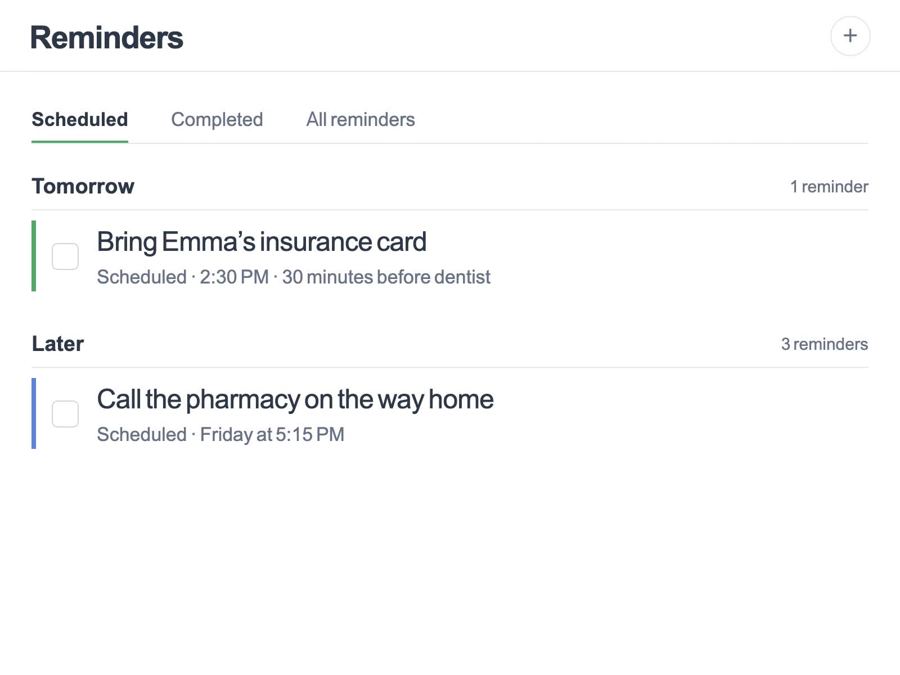
"Bring Emma's insurance card" shows up 30 minutes before the appointment, not after.
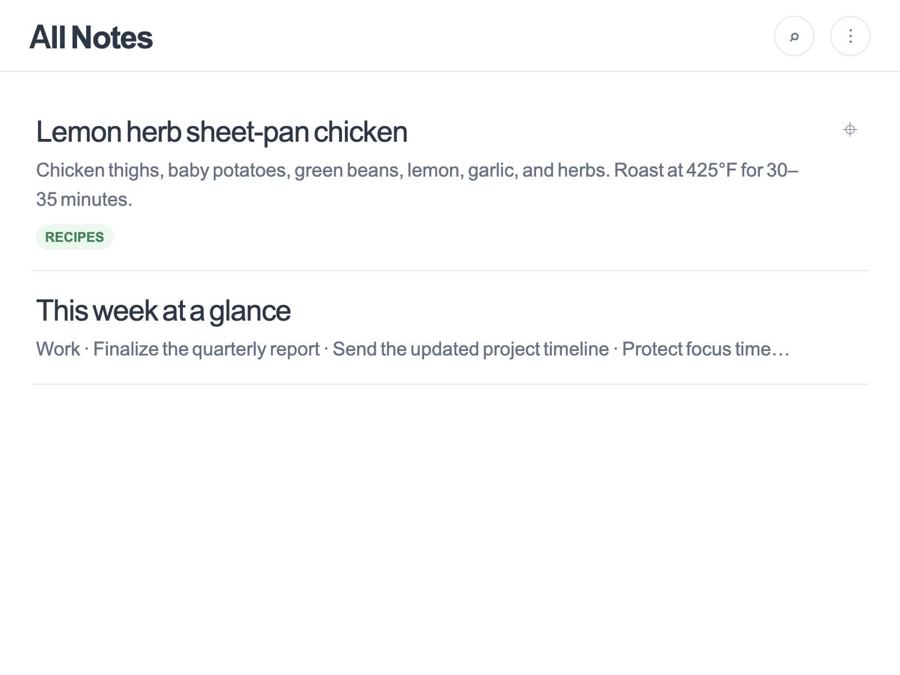
Recipes, gate codes, sizes, the Wi-Fi password. Saved once, found by anyone.
Type to Bean on web and in the app. Voice, voice choice and hands-free “Hey Bean” are in a private pilot while we prepare wider access.
Weather, today's plan and what needs doing, on one screen before the morning rush.
Bean catches the loose ends before they become a second job.
 Morgan H.
It feels like one calm place for calendars, reminders, and all the tiny follow-ups I usually forget.
 Avery R.
I like that Bean turns a messy request into a plan I can review instead of another blank list to manage.
 Jordan P.
Create separate workspaces for each part of life, and keep home, work and school apart or side by side.
Shared deadlines, follow-ups and meeting notes, with Bean keeping the list current.
Practice schedules, game days, snack sign-ups and who's driving, all in one place.
Start on Base with your own calendar and Bean, then add your household whenever you're ready.
An assistant that touches your family's calendar has to earn trust. Bean shows its work and waits for you on anything that matters.
Bean keeps completed actions and requests for approval visible in your chat.
Deletes and protected bulk changes wait for your confirmation.
Every action Bean takes is logged, so you can see who changed what and when.
Connect your AI assistant to your calendars, tasks, reminders and notes through MCP. You decide what to share.

Most productivity tools ask you to manage the system: remember every detail, sort every list, and keep every plan current. That just added work to an already busy day.
I originally built Bean to help my wife and me keep our busy schedules in sync. It became the assistant we always needed, one that manages our calendar, tasks and reminders so we don't have to.
If you're balancing family, work and everything in between, Bean is for you too.
P.S. Since this project started out just for us, we named it after our older dog, Bailey (Bean), who was the best girl (and shaped like a bean).
Every plan includes Bean, the shared dashboard, and calendar sync. Eligible accounts start with 7 free days after choosing a plan.
Get organized with your own calendar and Bean.
Everyone's calendars and to-dos together, with plenty of Bean.
No limits on calendars or workspaces, and the most Bean time.
Need more talk time? Add 30 voice minutes for .99 anytime. Cancel anytime. Voice is currently in a private pilot.
Still wondering how Bean fits your family? Start here, or write to us at support.
HeyBean is a shared family dashboard for calendars, tasks, reminders and notes, with Bean, an AI assistant you can talk or type to. Tell Bean what changed and it updates the plan for everyone.
No. Connect the Google, Outlook and Apple calendars you already use. HeyBean brings them together in one view.
Yes. Bean asks before deleting items or making protected bulk changes, and keeps a receipt of each action. You can review completed changes in chat.
Yes. Make separate workspaces for home, work, a team, a class or a club. Base is great for one person or a couple, and Pro fits bigger groups.
HeyBean is on iPhone and Android, and on the web at heybeanapp.com.
Eligible accounts start with 7 free days after choosing a plan. You can cancel anytime.
Download HeyBean, connect your calendars, and tell Bean the first thing on your mind.